"How do I make a personalized birthday GIF for my child?" It's a question thousands of parents search every month — and the instinct makes complete sense. GIFs are fun, shareable, and feel more personal than a plain text message.
But here's the honest truth: for a child's birthday, a GIF falls flat. In this guide we'll cover how birthday GIFs work, the best tools for making them, their real limitations — and the alternative parents are using instead that has kids asking to watch it again and again.
What Is a Birthday GIF?
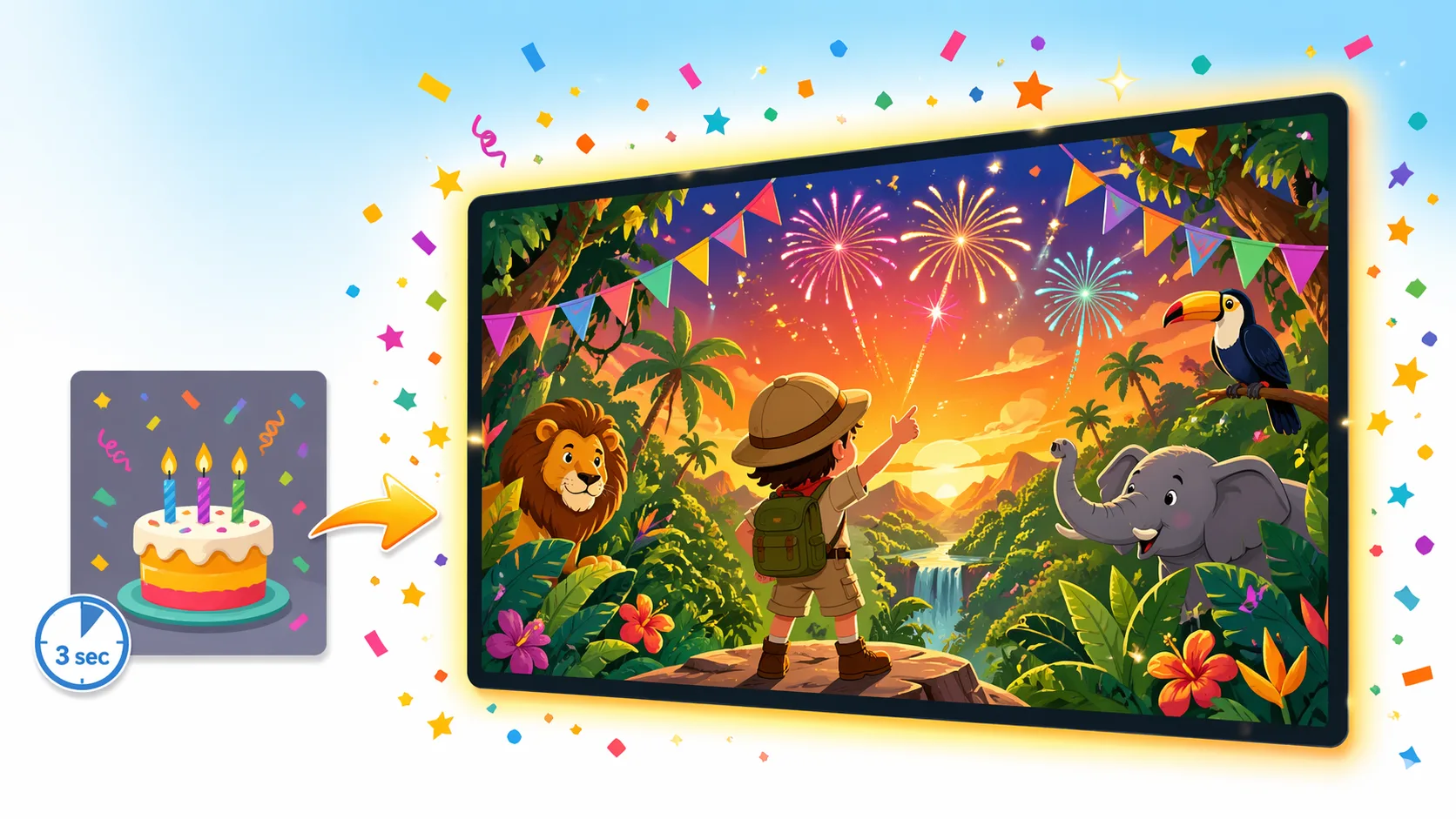
A GIF (Graphics Interchange Format) is a short looping animation — usually 2 to 10 seconds. Birthday GIFs are typically animated clips of birthday cakes with candles, confetti, cartoon characters, or text like "Happy Birthday!" that loops continuously.
They're easy to share on WhatsApp, iMessage, social media, or email. Many parents search for "personalized birthday GIF" hoping to find a tool that adds their child's name or photo — and some tools do offer this.
How to Make a Birthday GIF: 4 Common Tools
1. GIPHY
GIPHY's GIF Maker lets you upload video clips or images and convert them into a looping GIF. You can add text overlays. It's free and easy, but the output is generic unless you start with great source material.
2. Canva
Canva has animated templates you can export as GIF. You can add your child's name and customize colors. Good for simple text-based birthday GIFs. The free plan is limited; premium features require a subscription.
3. Tenor / Google GIF Keyboard
These are search-and-share platforms — you find an existing birthday GIF and send it. No personalization possible; you're sending the same clip millions of others have sent today.
4. Personalized GIF Makers
Some specialized tools let you upload a photo and create a short animated GIF with the child's face. Quality varies significantly, loops are short (usually 3–5 seconds), and the output often looks more like a meme than a birthday greeting.
The Real Problem with Birthday GIFs for Kids
GIFs are a format limitation dressed up as a feature. Here's what they fundamentally can't do for a child's birthday:
No Story
A GIF loops. There's no beginning, middle, or end — no narrative arc that builds excitement and delivers an emotional payoff. Kids are hard-wired for stories. A 4-second loop of confetti doesn't scratch that itch.
No Real Personalization
Adding a child's name in text or pasting their face into a loop isn't the same as being the hero of a story. The difference between "I put your name on a balloon" and "I made a movie where YOU ride a dragon" is the difference between a nice gesture and a memory that lasts years.
Looks Cheap
Even well-designed birthday GIFs have a ceiling on emotional impact. The format is associated with quick casual messages — not meaningful gifts. When Grandma sends a personalized birthday GIF, it lands differently than "Grandma made you your own movie."
What to Use Instead: A Personalized Birthday Movie
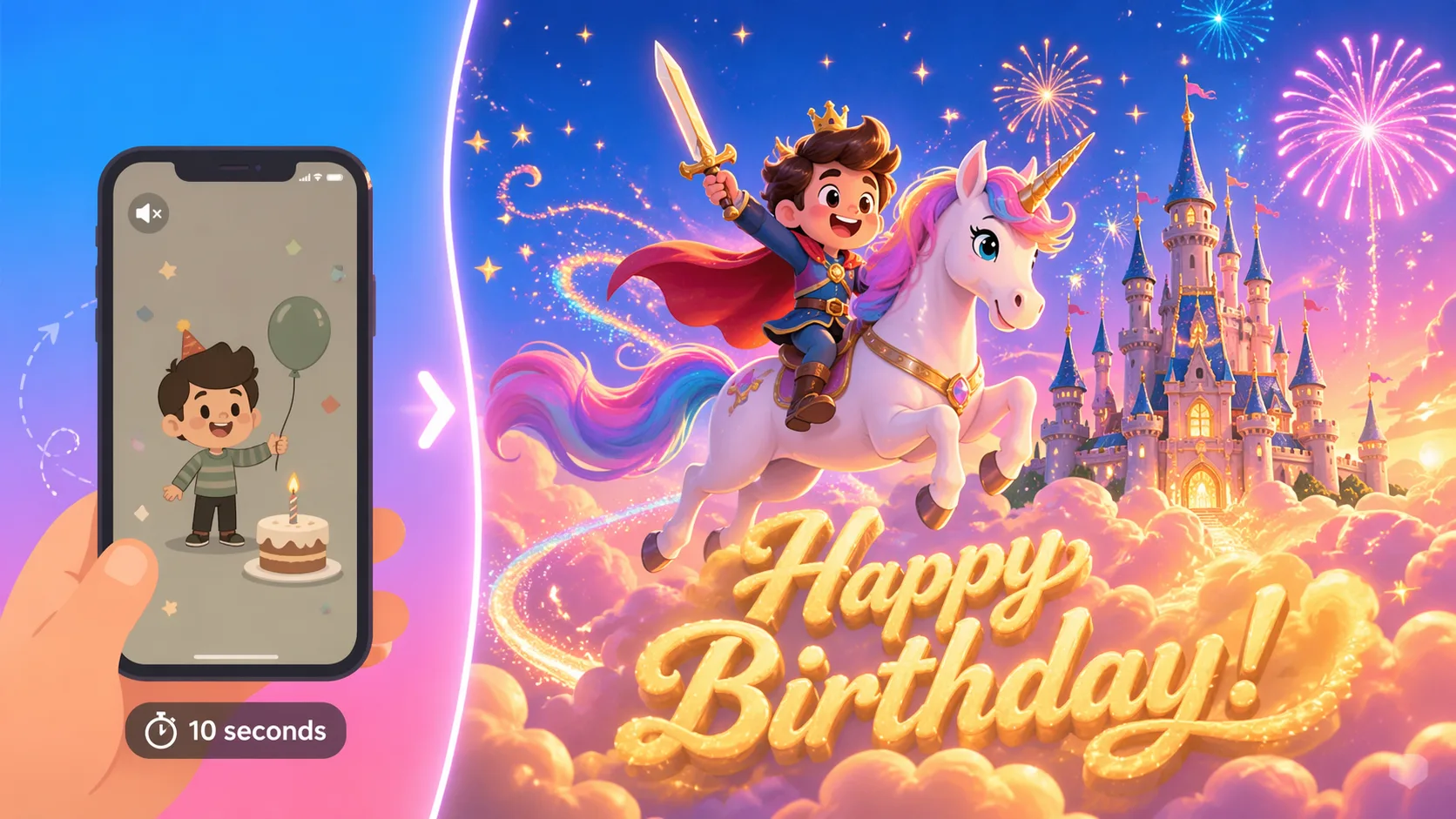
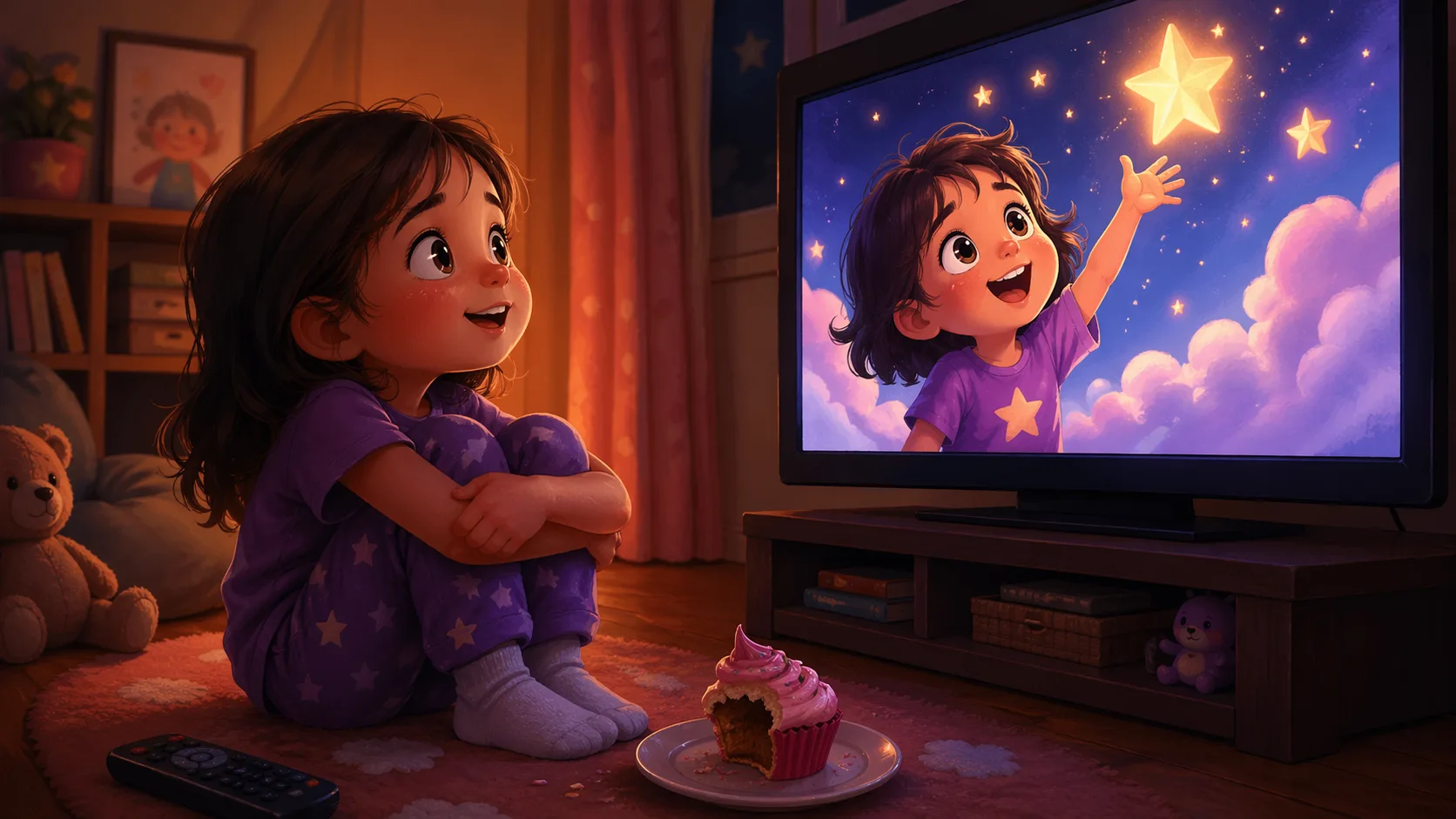
What parents who've tried GIFs, ecards, and video slideshows tend to land on — and what kids react to most powerfully — is a fully personalized animated birthday movie where the child is the actual star.
Toon Kids creates a 2.5-minute animated adventure story featuring:
- The child's real face mapped onto the animated hero character
- Their name and age written across the sky at the beginning and end
- A choose-your-theme adventure — Fairytale (unicorns, mermaids), Jungle (lions, elephants), or Fantasy (dragons, knights)
- A full birthday celebration finale with cake, presents, and dancing
- A free matching party invitation with your child's photo and party details
Birthday GIF vs. Personalized Birthday Movie: A Quick Comparison
| Feature | Birthday GIF | Toon Kids Movie |
|---|---|---|
| Length | 3–10 seconds (loops) | 2.5 minutes |
| Child's real face | Sometimes (low quality) | ✓ High quality |
| Storyline | ✗ | ✓ Full adventure |
| Child's name in the story | Text overlay | Written in the sky |
| Kids rewatch it | Once or twice | Dozens of times |
| Sharable via WhatsApp | ✓ | ✓ |
| Plays on TV | ✗ | ✓ |
| Time to create | 20–45 minutes | ~5 minutes |
| Cost | Free–$15/mo subscription | $7.99 one-time |
How to Create a Personalized Birthday Video in 5 Minutes
If you were going to spend 20 minutes making a birthday GIF, you can create something 10× more meaningful in 5 minutes instead:
- Go to app.toonkids.com/birthday-movie-maker
- Enter the child's name and age
- Upload a clear front-facing photo (your phone camera is perfect)
- Choose a theme: Fairytale, Jungle, or Fantasy
- Customize the avatar — hair, skin tone, outfit
- Watch the free preview instantly (no credit card)
- If you love it, unlock the full 2.5-minute movie for $7.99
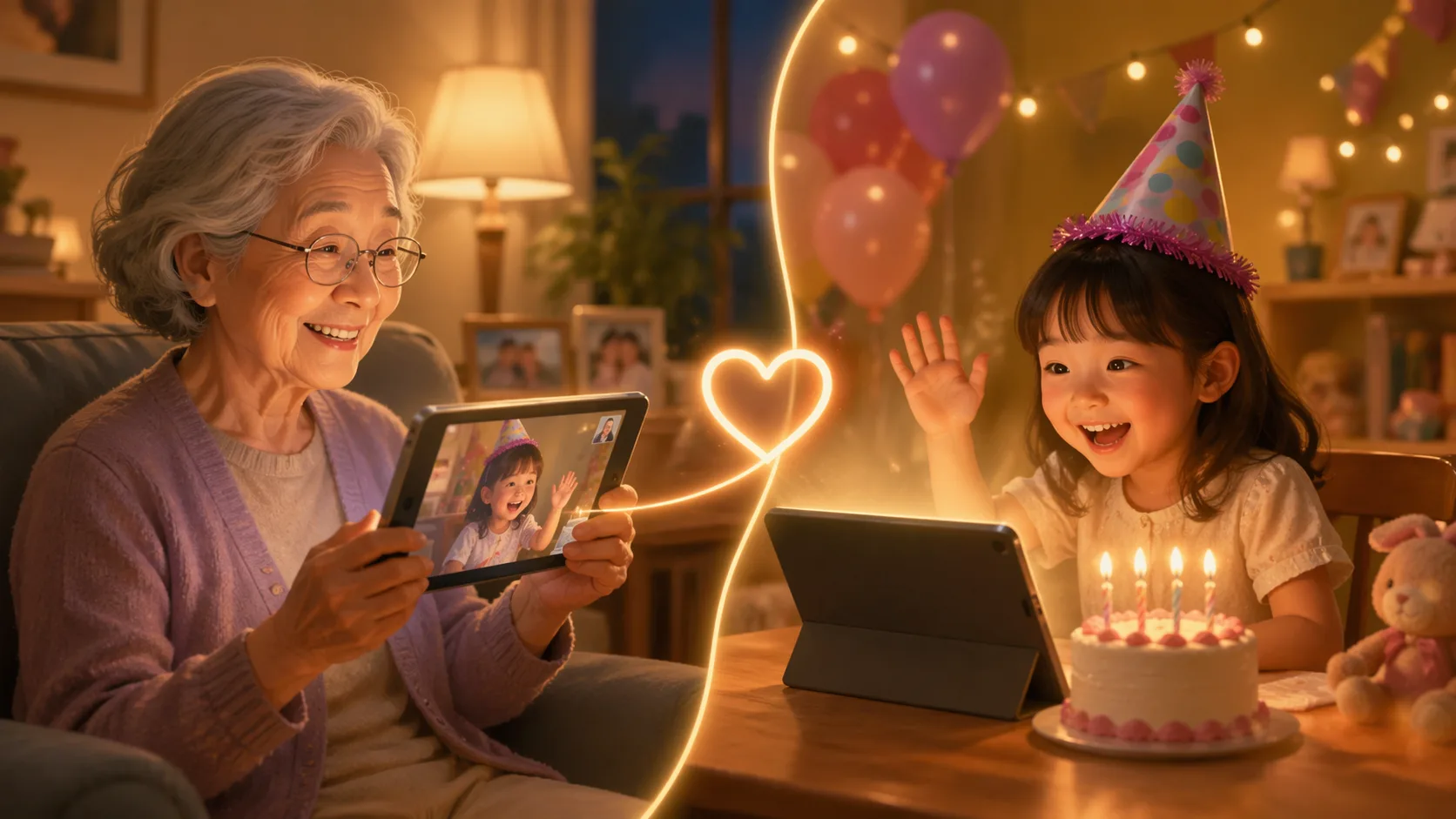
Then share the link via WhatsApp, email, or any messaging app. The recipient taps once and it plays — no app download needed.
Is a Birthday GIF Ever the Right Choice?
Yes — for adults, quick casual greetings, or group chats where a GIF fits the tone perfectly. If you're wishing a coworker a happy birthday in Slack, a GIF is great.
For a child turning 4, 5, 6, 7, or 8? A personalized birthday movie is in a completely different league. It's the kind of thing they'll remember — and so will everyone who watches with them.
🎬 Make Their Birthday Truly Unforgettable
Free preview · Full movie just $7.99 · Ready in minutes